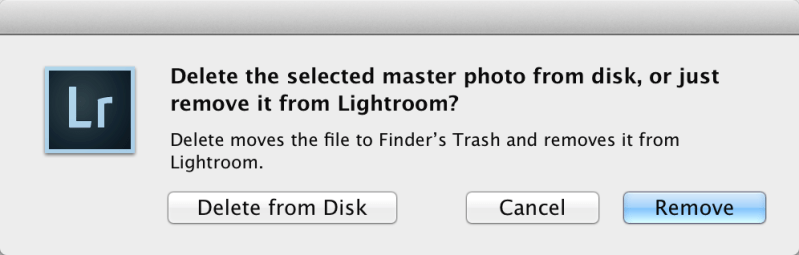
The tenth and last step for improving your workflow is: Delete your rejects so that only the images worth keeping and working on are in your catalog. You can use…
Although I can find no announcement on the Adobe website, Lightroom 5.6 is available for download and it appears to include support for the Nikon D810. See Uh-Oh! I Can’t…
With the release of the Nikon D810 last week, we have received a number of urgent e-mails asking why Lightroom can’t see its raw files. Unfortunately, Lightroom must be updated…
Editor’s Note: This post appeared verbatim in the July 15, 2014, newsletter. It is being posted here by request. One thing is certain when it comes to image editing software:…
The ninth step is more of a precaution than a true step: Do not delete, move, or rename images outside of Lightroom. Delete images, create new folders, move images between folders, and rename…
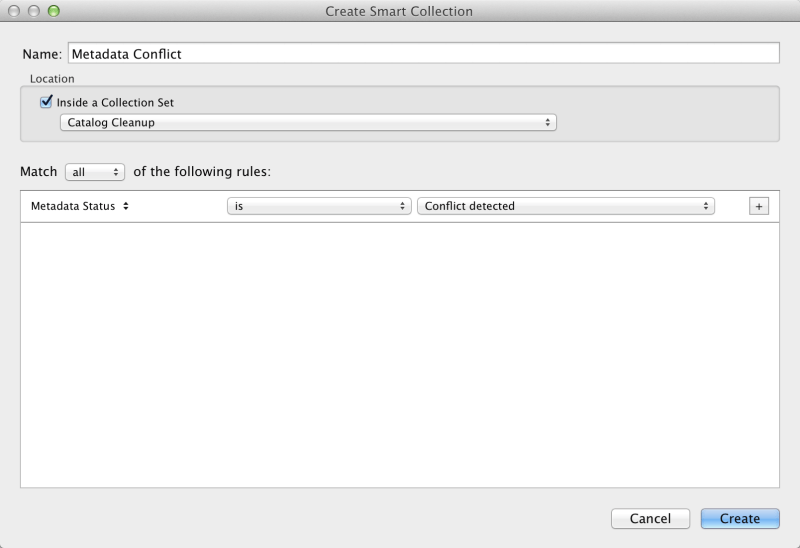
The eighth step, while not as fun as organizing and editing your images, is a necessary step: Use filter presets and smart collections to help keep your catalog clean and organized. As…
In a long anticipated move, Apple will cease development of Aperture, its pro photo editing application, and iPhoto. Mac’s new operating system called Yosemite and scheduled for release this fall…
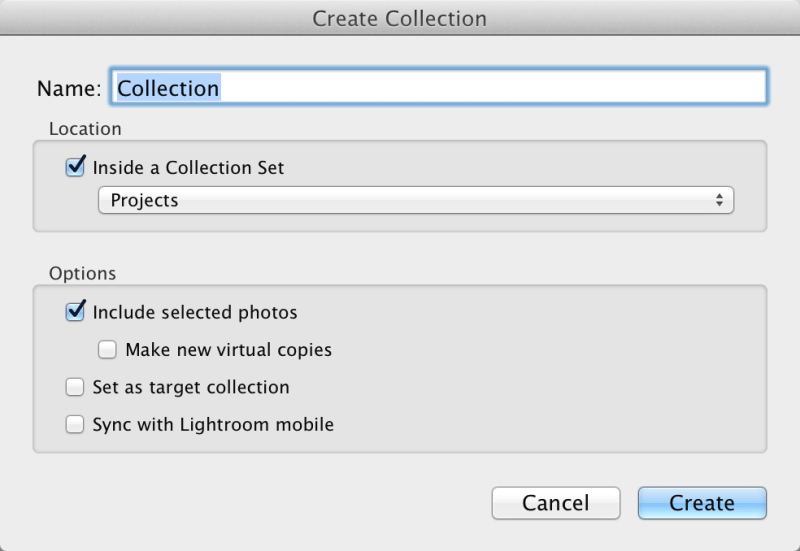
The seventh step follows the third and sixth steps: Use collections to keep track of images for projects. Assuming you are storing your images by date and location, as discussed…
Sunrise at Rehoboth Beach, DE, at 5:35 am. Nikon D800, f/22 at 25 seconds, ISO 100, 24-70mm f/2.8 at 32mm, WB Daylight.


 Brian J Zwit